 cpMan
cpMan Copy now. Paste it whenever.
A fast, private clipboard history for macOS. Copy text, images, and screenshots — and bring any of it back with one keystroke.
Requires macOS 14 (Sonoma) or later · Apple silicon or Intel
A clipboard with a memory.
Copy text, images, and screenshots all day — cpMan remembers, so you don't have to.
One keystroke
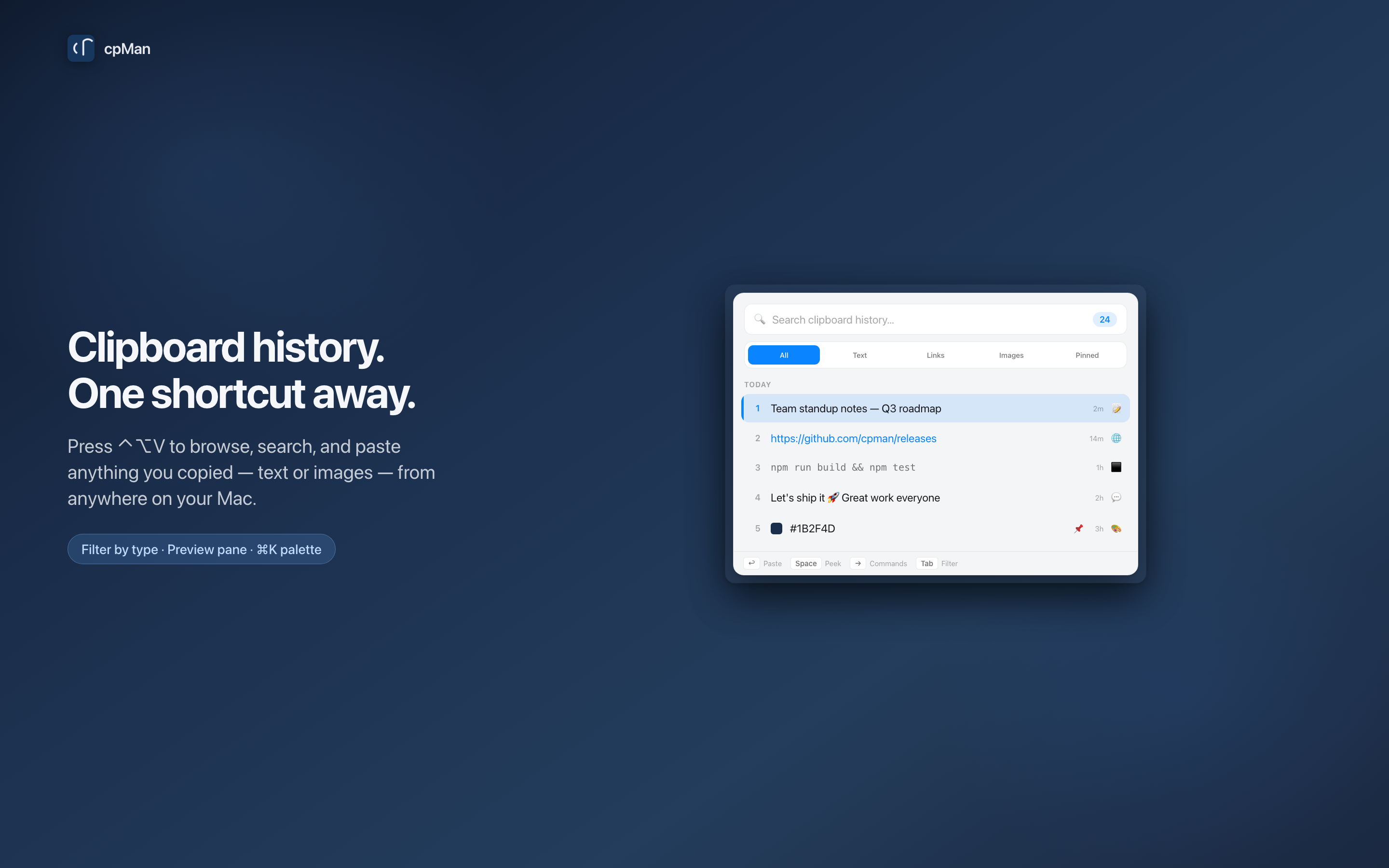
Press your global shortcut and the picker opens instantly — app icons and a contextual hint bar guide you through every shortcut. Pick, paste, done.
Search & filter
Type to filter history in real time. Press Tab to switch between All, Text, Links, Images, and Pinned — or search text inside images with on-device OCR.
Quick Peek
Press Space to float the full content right over the list. Step through clips with ↑↓, paste with Return, dismiss with Esc.
Preview Pane
Press ⌘I to open a side panel showing the full clip with a metadata strip — app, time copied, and size — all updating live.
Command Palette
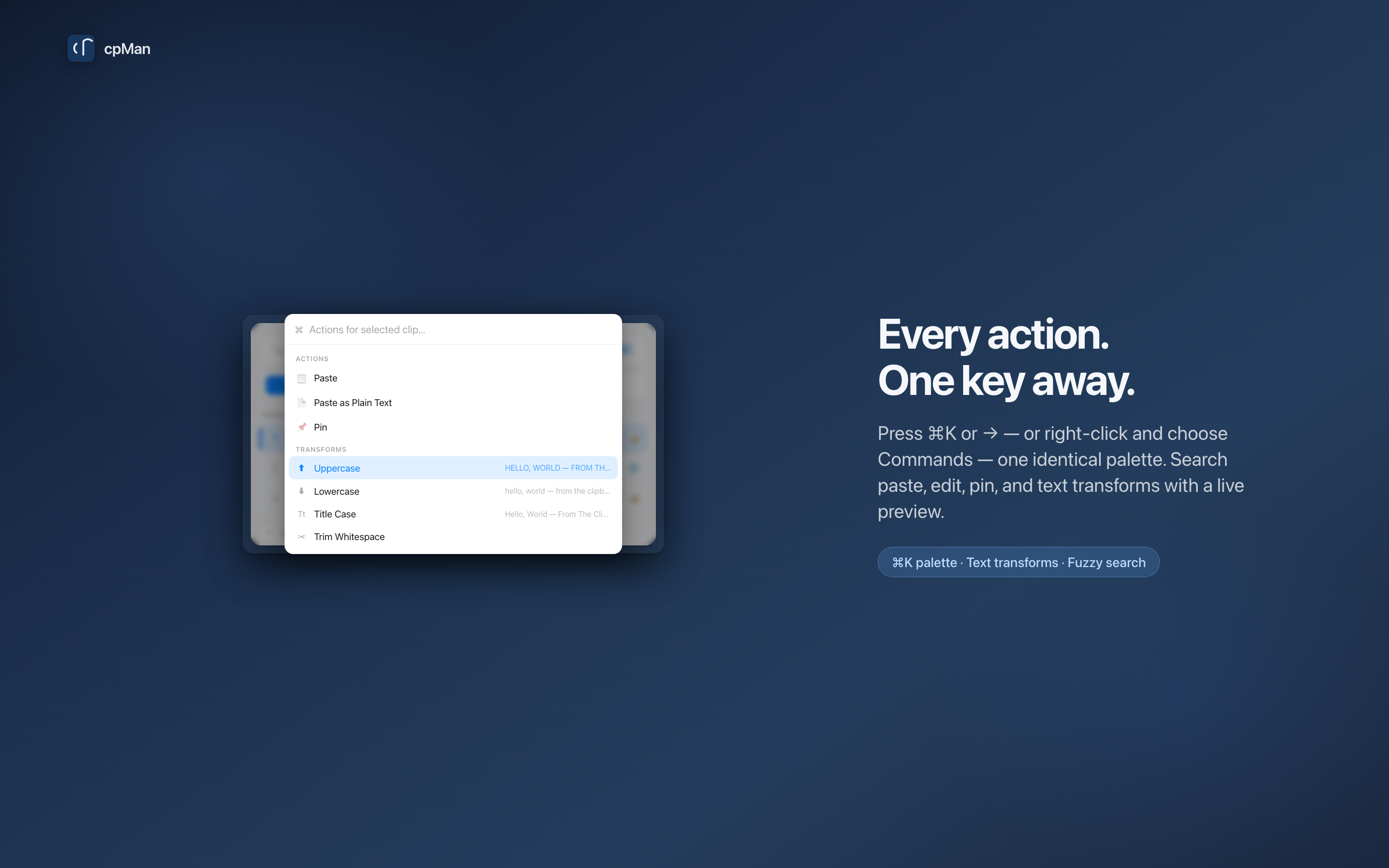
Press ⌘K or → for a searchable palette of every action: paste, edit, pin, delete, and text transforms — all with fuzzy search.
Text Transforms
Uppercase, lowercase, title case, trim whitespace, Base64, URL encode — with a live preview before you commit. Press ⌥⌘K to jump straight there.
Browse by day
History is grouped into Today, Yesterday, This Week, This Month, and Older. Relative timestamps (2m, 3h, Tue) keep things scannable — find "that thing from yesterday" right where you'd expect.
Make it yours
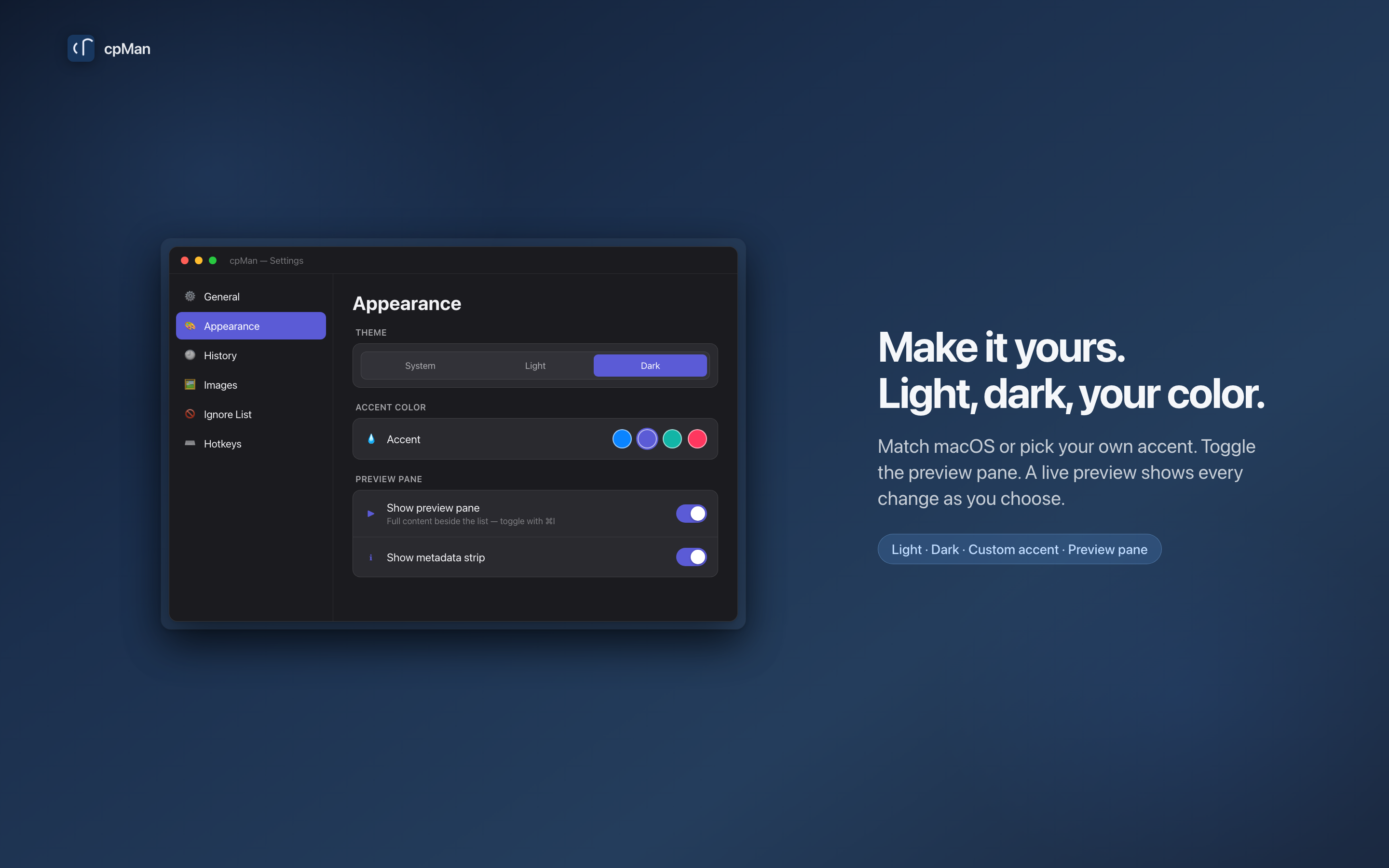
Light, Dark, or System themes with a custom accent color and live preview. Rich rows show color swatches, monospace code, and app icons.
Pin favorites
Pin the clips you reuse most so they're always at the top and never pruned. Access them instantly in the Pinned tab.
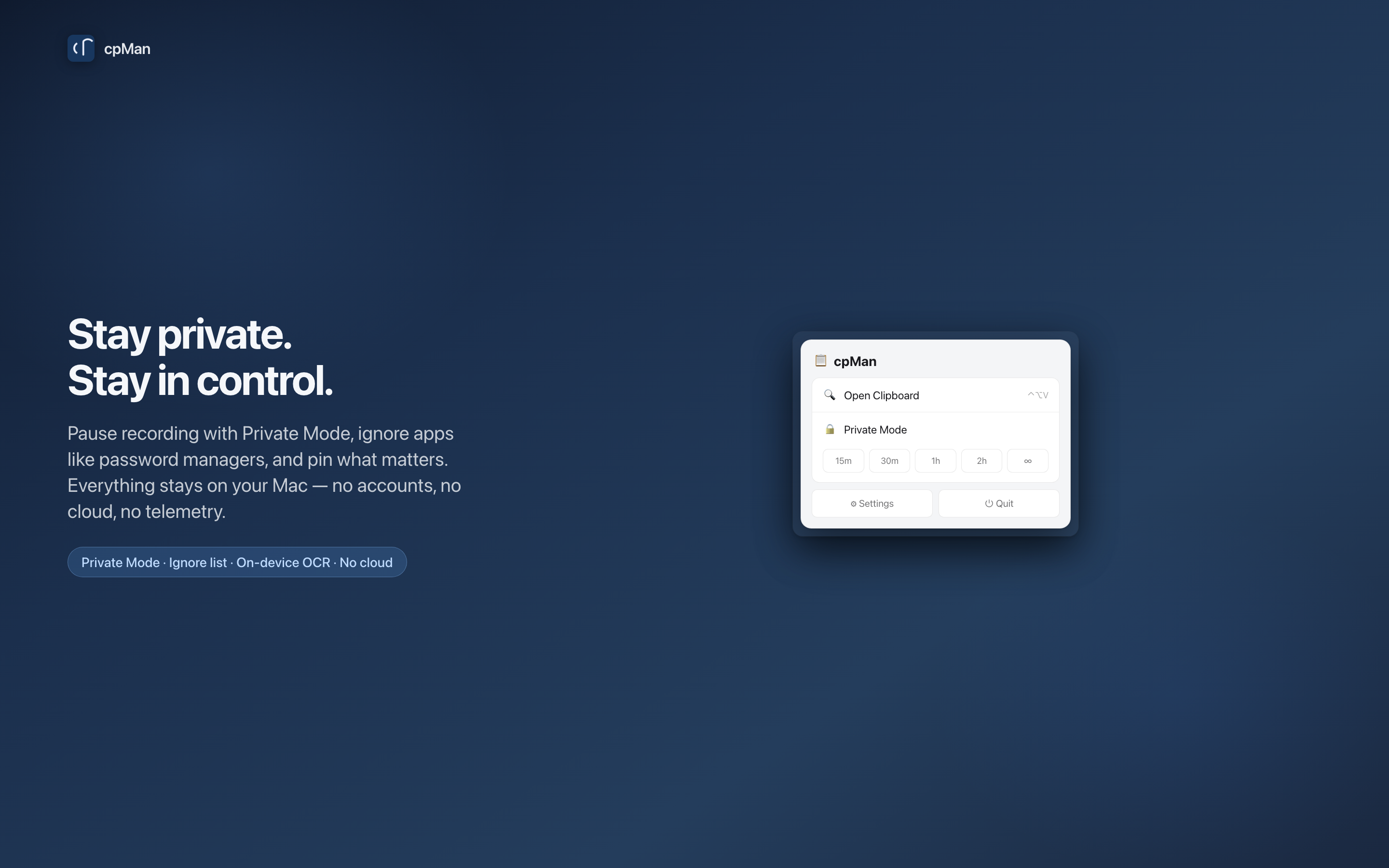
Private Mode
Pause clipboard recording from the menu bar — pick 15 minutes, 30 minutes, 1 hour, 2 hours, or indefinite. The icon switches to a lock.
Auto-paste
Selected clips paste directly into your active app. Press ⌥Return for plain text. Right-click images to paste as a .png file.
Private by design
No accounts, no tracking, zero network access. Your history stays locally on your Mac. Clips never sync through Universal Clipboard.
The new picker, up close.
Every screenshot is from the real app. What you see is what you get.
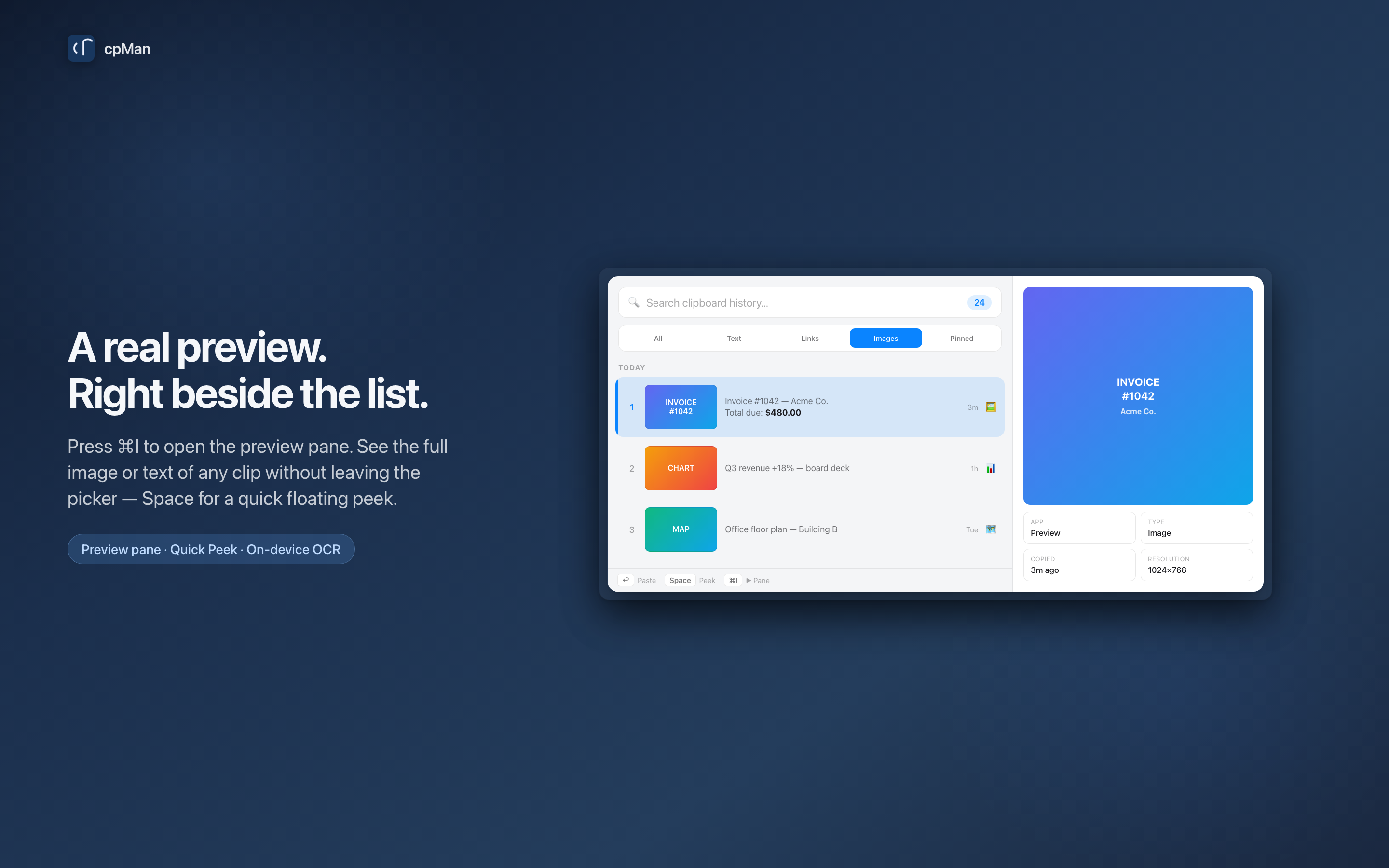
See the full picture without leaving the list.
Press ⌘I and a side panel slides in with the complete content of any clip — text or image — plus a metadata strip showing the source app, when it was copied, and its size. Toggle it with a keystroke, or keep it pinned from Settings.
⌘I to toggle · ⌘⌥I for metadata Every action. One key away.
Press ⌘K, →, or right-click "Commands…" — they all open the same searchable palette. Paste, edit, pin, delete, paste as file, paste OCR text, and every text transform, with fuzzy search and a live preview before you commit.
⌘K palette · ⌥⌘K for transforms Your data stays yours.
A clipboard manager handles sensitive info. cpMan is built natively to ensure absolute security and user control.
Fully Sandboxed
Runs in a secure macOS sandbox container with zero network access. No cloud synchronization, no trackers, and no telemetry. Clips never sync through Universal Clipboard.
Ignore List
Add apps to the ignore list — cpMan shows every installed app with its real icon, making it easy to exclude password managers and sensitive tools.
Customizable Limits
No hard cap — your full history loads in the background. Set max item count, total image size, and item age independently in preferences. Older clips are automatically pruned to keep storage negligible.
Up and running in seconds.
Zero configuration needed. cpMan works right out of the box so you can stay in the flow.
Download
Get cpMan from the Mac App Store. It installs directly as a lightweight menu bar utility.
Activate
Press the global shortcut ⌃⌥V (Control-Option-V) from any application on your Mac.
Paste
Find what you need with instant search, select it, and press Return to paste it immediately.
Matches your desktop.
Choose from Light, Dark, or System themes. Match your custom macOS accent color with a real-time preview.
Stays on your Mac. Full stop.
cpMan has no accounts, no network access, and no analytics. OCR runs on-device with Apple's Vision framework. Everything cpMan writes to your clipboard stays on this Mac — it never syncs through Universal Clipboard. Nothing ever phones home.